
How do I stream Sky Go to my TV?
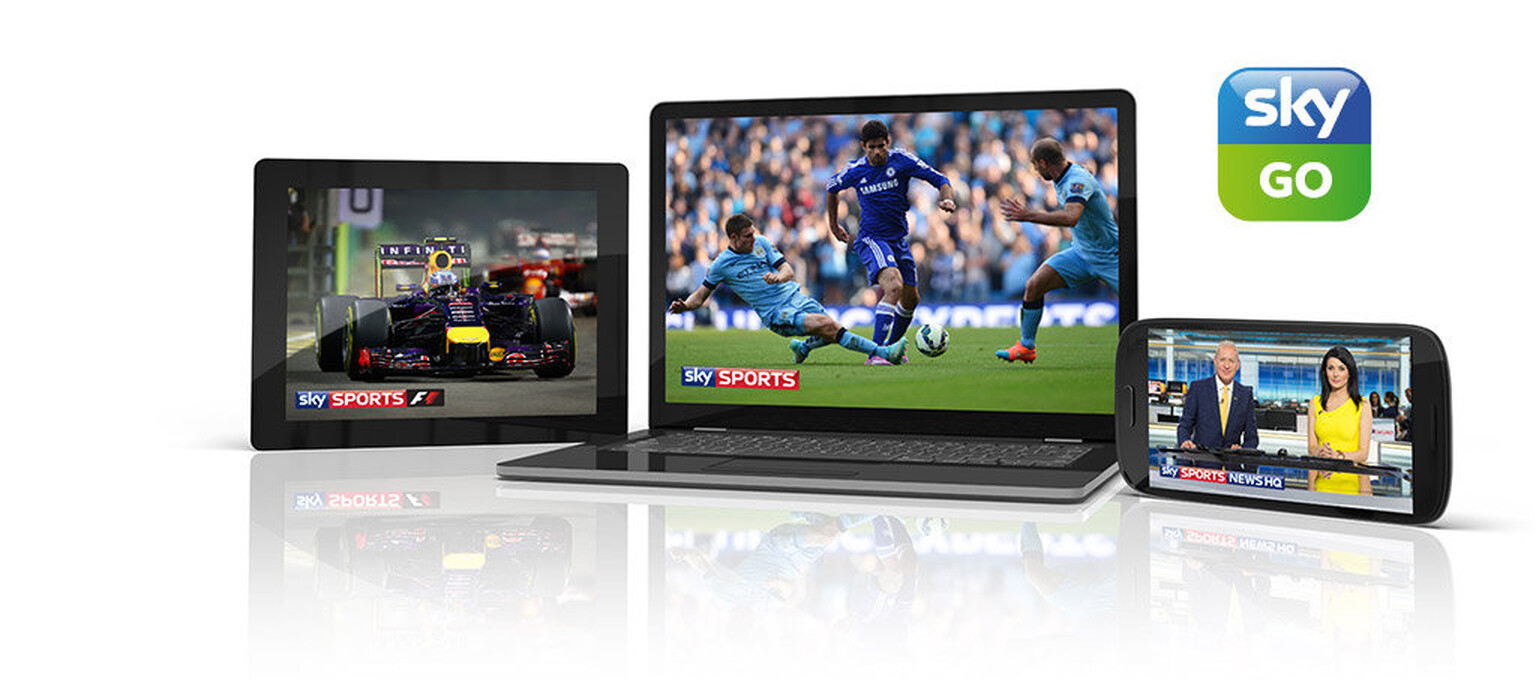
Kicking things off on a bit of a downer, the simple answer is you can’t . Never fear, you can get Sky Go on a TV using a good ol’ cable. Unfortunately, Sky is yet to add any kind of casting function to the Sky Go app – as you can do with other streaming services like Netflix or Amazon – and this means there’s no way to shift the app’s mobile content from your phone or tablet to a TV. A lack of a Sky Go app on smart TVs doesn’t help the situation either. Instead, you’ll need to grab your laptop and download Sky Go if you haven’t already. The next step is to check what connections your laptop has and, fingers crossed, it has an HDMI port and you’ve got a handy HDMI cable lying around. Other solutions include a VGA/DVI connection on some older machines or a more flexible Thunderbolt port, but HDMI is the simplest way of going about things. Here’s exactly how to do it:- Open the Sky Go app on your laptop
- Find what you want to watch and go fullscreen
- Attach the HDMI cable to your laptop
- Plug the other end into a free HDMI port on the back of the TV
- Make sure you are on the correct HDMI input on the TV and you are all set